
how to track cycling distance with watch is mostly about three things: using the right activity mode, getting a clean GPS lock, and making sure your watch settings match how you ride.
If you have ever finished a ride and thought, “No way that was only 8 miles,” you are not imagining things. Watches can undercount or overcount distance for boring reasons like weak GPS signal, low-power settings, or the watch guessing your path when you pass under trees or between buildings.
The good news is you rarely need new hardware. A few setup tweaks, one or two habits before you roll out, and some basic troubleshooting usually get you close enough for training, commuting logs, and weekend rides.
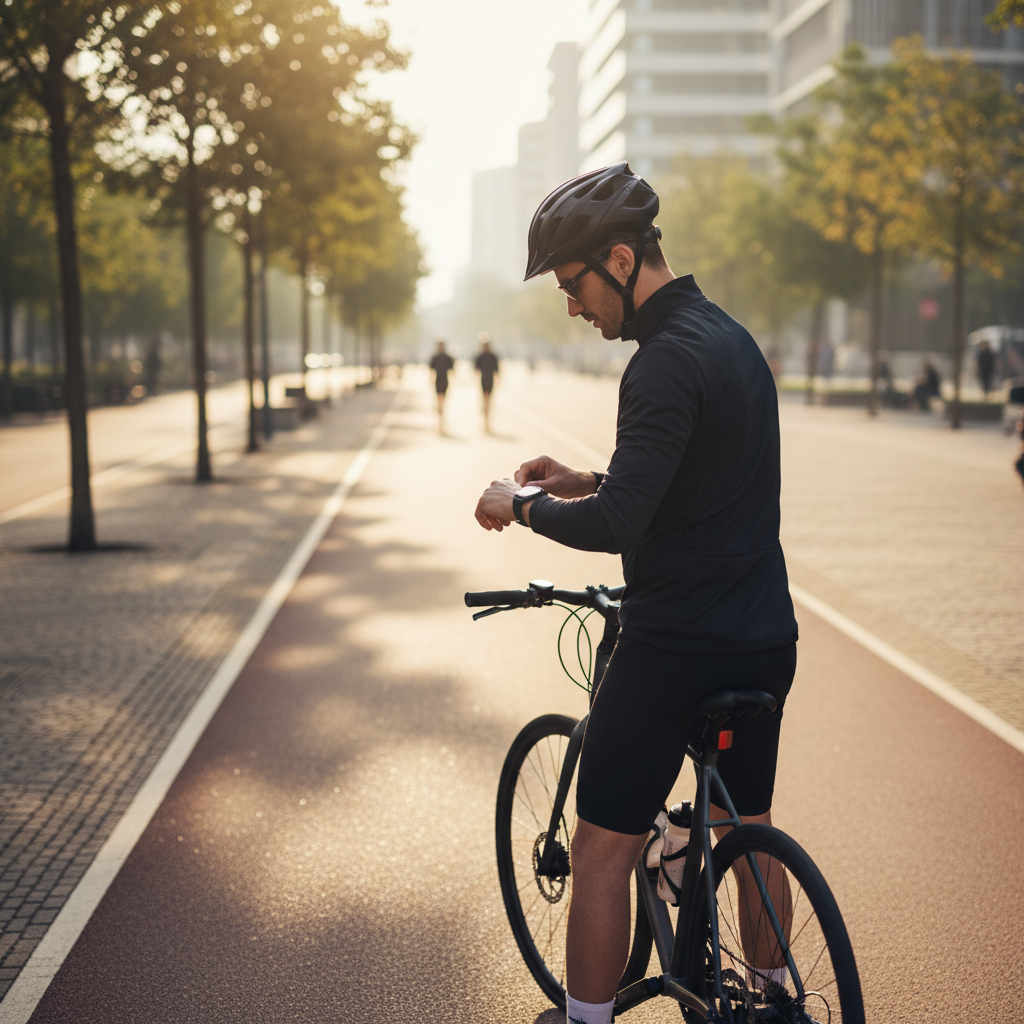
Key takeaways: choose a cycling-specific mode, wait for GPS lock, avoid battery-saver GPS, keep firmware updated, and validate once against a known route.
Pick the right tracking method for your rides
Most watches can track cycling distance in more than one way, and the “best” option depends on where you ride and what you care about. If you mix city streets, trails, and indoor sessions, you may use multiple methods.
Common methods (and when each works best)
- Built-in GPS (outdoor rides): Best for most people, simplest setup, accuracy depends on signal quality.
- Connected GPS (phone provides GPS): Can save watch battery, but depends on phone placement and Bluetooth stability.
- Wheel sensor (speed/cadence) + watch: Very consistent for distance, especially where GPS struggles, requires extra hardware.
- Indoor estimation: Often based on cadence/heart rate patterns, can be “close” but varies a lot by model and workout.
In practice, if you ride under heavy tree cover, in dense downtown areas, or along steep canyon walls, a wheel sensor can reduce the “zigzag track” problem that inflates distance. If you mostly ride open roads, watch GPS is usually enough.
Set up your watch for accurate cycling distance
Small settings changes often matter more than people expect. A watch can be “good” on one ride and “off” on another because the watch is making different decisions about GPS sampling and smoothing.
Checklist: settings worth confirming
- Activity mode: Use “Cycling/Outdoor Bike/Ride,” not “Walk/Run/Other.” Mode controls filtering and cadence assumptions.
- GPS mode: Prefer highest accuracy (wording varies: “Best,” “High Accuracy,” “All Systems”). Low-power modes may reduce sampling.
- Auto-pause: Helpful in stop-and-go traffic, but can sometimes clip short segments; test it once.
- Wheel size (if using a sensor): Confirm the correct wheel circumference, auto-detect can be slightly off.
- Time/date/region: Rare, but mis-set time can create odd GPS artifacts and sync issues.
- Firmware + app updates: Watch GPS algorithms improve over time, so updates can fix distance drift.
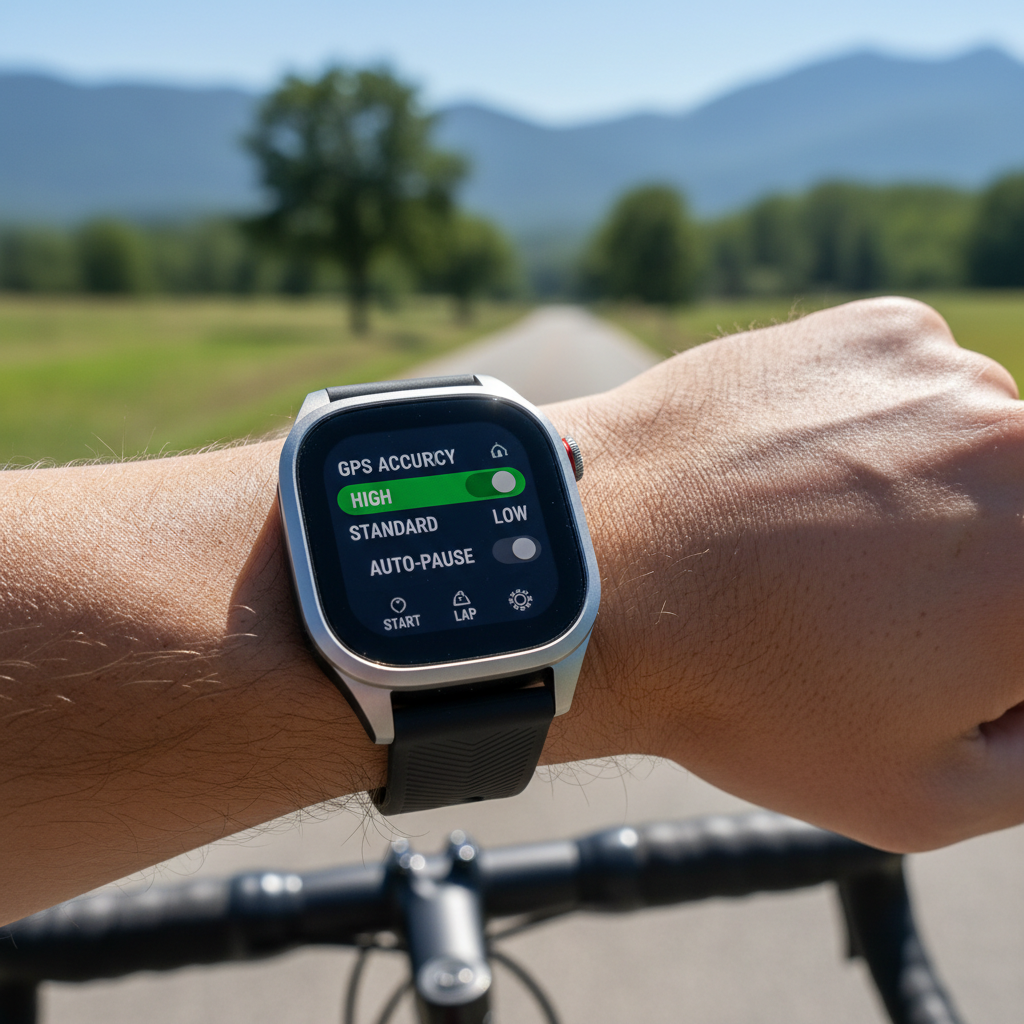
According to Garmin, GPS accuracy improves when you allow the device time to acquire satellites and keep software up to date, which lines up with what most riders see in day-to-day tracking.
Pre-ride habits that prevent “mystery miles”
If you want to know how to track cycling distance with watch reliably, the pre-ride minute is where accuracy often gets decided. This feels picky, but it saves you from bad data later.
Do this before you start recording
- Wait for GPS lock: Don’t hit Start the second you open the workout. Stand still 10–30 seconds after the watch shows ready.
- Start in an open area: If possible, begin away from tall buildings, parking garages, or heavy tree canopy.
- Let your route “settle”: The first minute is where tracks often jump. Easy rolling pace helps the watch filter noise.
- Check battery: Some watches silently downgrade GPS sampling at low battery, depending on settings.
One common mistake is starting the ride while you are still indoors, then rolling outside. The track can snap to weird points, and your distance can start “wrong” from mile zero.
How to sanity-check your watch distance (without obsessing)
You do not need to validate every ride. But if your numbers look suspicious, a quick reality check helps you decide whether the watch is fine or needs attention.
Quick ways to confirm accuracy
- Ride a known loop: A local bike path loop with posted mile markers is a simple reference.
- Compare to a phone GPS app: Run Strava, Ride with GPS, or similar in parallel once. Small differences are normal.
- Use a measured segment: Many parks have measured distances, even if they are aimed at runners.
- Check the map track: If the line cuts corners or jumps across blocks, distance will be off for obvious reasons.
What “normal” looks like: For an outdoor GPS ride, minor variation is expected. If you see consistent large gaps, or the track frequently teleports, you likely have a settings/signal issue rather than random noise.
Fix common problems: distance too short, too long, or inconsistent
This is the part most people actually need. If you are trying to figure out how to track cycling distance with watch and your numbers keep drifting, match your symptoms to the likely cause.
Problem-to-fix table
| What you see | Likely cause | What to try |
|---|---|---|
| Distance is consistently short | Auto-pause too aggressive, GPS lock started late, indoor start | Reduce auto-pause sensitivity, wait for GPS lock, start outdoors |
| Distance is consistently long | GPS bounce in city/trees, low sampling smoothing errors | Use higher-accuracy GPS mode, avoid battery saver, consider wheel sensor |
| Every ride is different on the same route | Variable signal conditions, phone connected GPS instability | Try watch-only GPS, keep phone in stable place, update firmware |
| Indoor distance seems random | Estimation model mismatch, trainer not broadcasting speed | Pair trainer/sensor, use a dedicated indoor cycling profile, calibrate trainer if supported |
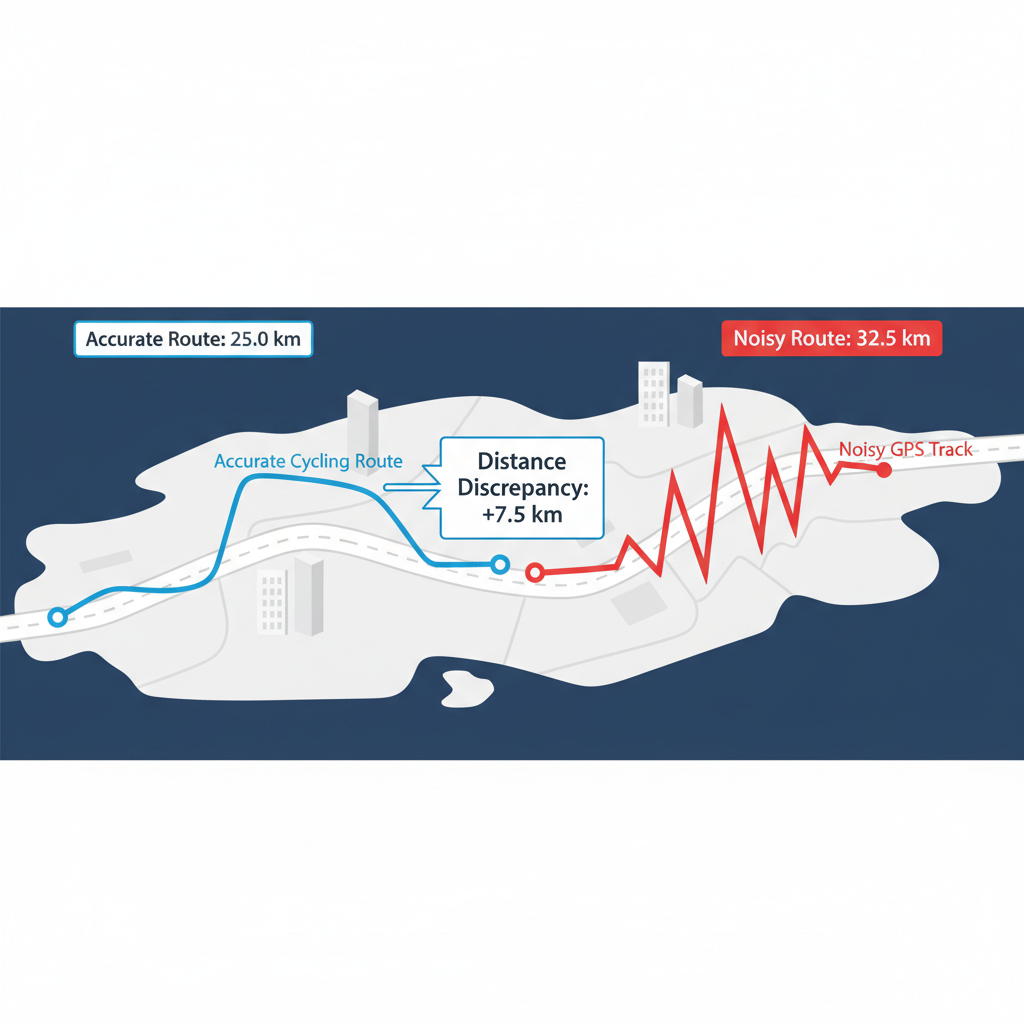
According to Apple Support, location accuracy can be affected by environmental conditions like tall buildings and dense foliage, so it is not always “your watch being bad,” sometimes it is the sky view.
Step-by-step: track cycling distance with a watch (outdoor and indoor)
Here is a practical flow you can reuse, whether you ride once a month or train weekly. Keep it simple, then add complexity only if needed.
Outdoor rides (GPS)
- Charge enough for your planned duration, then disable any ultra battery saving that reduces GPS accuracy.
- Select a cycling activity profile, confirm GPS accuracy mode.
- Stand outside in an open spot, wait for the “ready” indicator, give it a few extra seconds.
- Start recording, ride normally, avoid covering the watch with a thick jacket cuff if your model has a weaker antenna.
- End the activity, review the map line, then sync to your app for storage and analysis.
Indoor rides (trainer or spin bike)
- Use an indoor cycling profile to avoid GPS confusion.
- If possible, pair a trainer, speed sensor, or cadence sensor via Bluetooth/ANT+.
- If the machine only shows distance on its console, treat that number as a separate system and focus on time, effort, and heart rate trends.
Safety note: If you use earbuds or stare at your watch often in traffic, risk can go up. It may be safer to rely on audio alerts or check stats only when stopped, and consult a professional if you have health concerns tied to training intensity.
When a watch is not enough: sensors, bike computers, and apps
Some riders outgrow watch-only tracking, not because the watch fails, but because cycling has edge cases. Long events, gravel, mountain switchbacks, and urban canyons can all stress GPS.
Upgrades that usually make a real difference
- Speed sensor: Great for consistent distance, especially when GPS is messy.
- Cadence sensor: Helps training quality, not distance directly, but improves indoor modeling on some platforms.
- Bike computer: Larger screen, better mounting, often stronger GPS antenna, easier mid-ride navigation.
- Phone apps: Useful for maps and route planning, but battery and heat management matter.
Many people land on a hybrid setup: watch for health metrics, a bike computer for navigation and primary ride recording, then sync everything to one platform.
Conclusion: a reliable routine beats chasing perfect numbers
how to track cycling distance with watch comes down to building a repeatable routine, cycling mode plus solid GPS lock plus realistic expectations when signal conditions get ugly. Once your setup feels stable, validate on a known route one time, then stop micromanaging every tenth of a mile.
If you want a clean next step, pick one outdoor route you ride often, adjust GPS accuracy and auto-pause, then compare two rides with the same setup. If the track still jumps around, adding a wheel sensor is usually the most straightforward fix.
FAQ
- Why is my watch cycling distance different from my friend’s bike computer?
Different devices use different GPS chips, sampling rates, and smoothing. If you rode side by side and one track shows lots of zigzags on the map, that device will often report a longer distance. - Can I track cycling distance with a watch without GPS?
Yes, but you need another source such as a speed sensor, trainer data, or a connected phone. Without GPS or a sensor, distance becomes an estimate and may vary by workout style. - Does wrist placement affect cycling distance tracking?
Sometimes. Watches that rely on GPS can be affected if the antenna is frequently blocked by your body or thick clothing. It is usually a small effect, but in weak-signal areas it can contribute. - What GPS setting should I use for the most accurate distance?
Typically the highest accuracy option your watch offers. Names vary by brand, but look for modes that use multiple satellite systems. Battery use may increase. - Should I turn on auto-pause for cycling?
In stop-and-go riding it can make your average speed and time cleaner, but it can also clip short moves if sensitivity is high. Try it on one familiar route and see if the start/stop behavior matches your riding. - How do I make indoor cycling distance more believable?
Pair your watch with your trainer or a speed sensor when possible. If you only have heart rate and cadence, focus on time, effort, and trends rather than treating distance as a hard metric. - My map looks accurate, but distance still seems off, what now?
Check whether your app is applying different smoothing or correcting the track after upload. Also confirm you are not mixing connected GPS on some rides and watch GPS on others.
If you are stuck between “good enough” and “why is this still weird,” it may help to share one exported GPX/FIT file and your watch model with a local bike shop, a coach, or the brand’s support team, they can often spot settings mismatches quickly without guessing.